


Firmware footer
Easy To Update
Please read update instructions carefully before attempting an update. If you have any questions about the update process or firmware releases please contact us by email or by phone at +1.678.835.4934.
Updates will not delete calibration or DIT LUTs, but please take note of any custom settings on your monitor as these may be reset during a firmware update.

AM Series Firmware
Update Instructions PDF
BM & CM Series Firmware
Update Instructions PDF
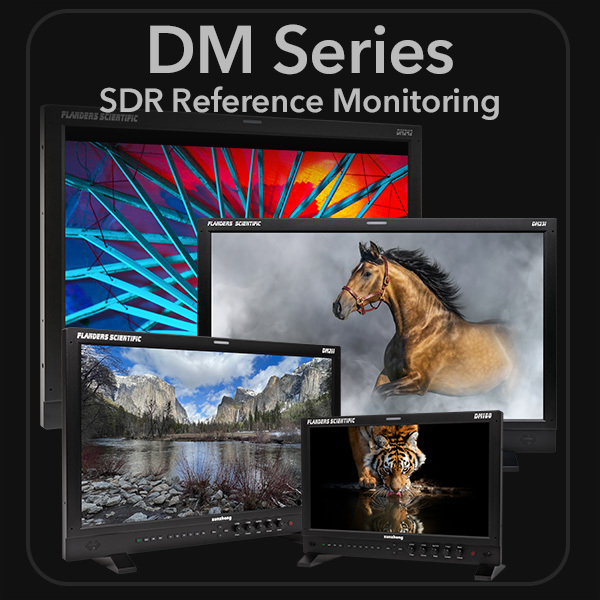
DM Series Firmware
Update Instructions PDF
LM Series & CM170W Firmware
Update Instructions PDF
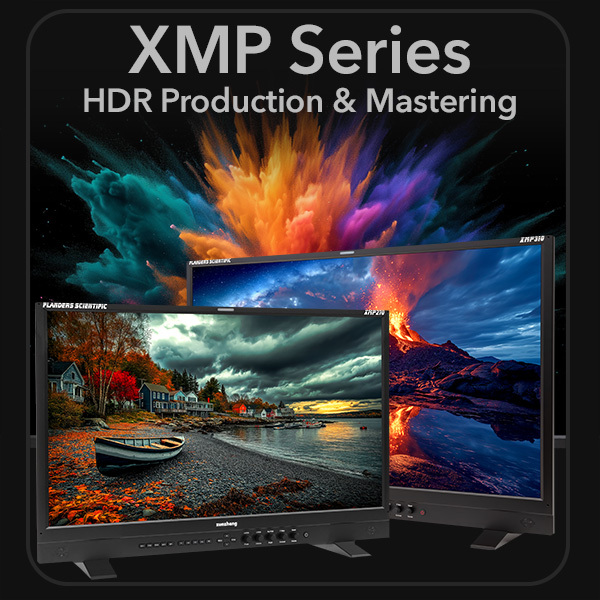
XM & XMP Series Firmware
Update Instructions PDF
BoxIO Firmware
Update Instructions PDF
XMP Series Update Instructions Video
DM Series Update Instructions Video
AM | BM | CM | LM Series Update Instructions Video
BoxIO Update Instructions Video
Classic Update Method
Does not apply to DM, XM, or XMP Series.
We highly recommend using the Mass Storage Update Process and not the traditional update process listed below. However, the traditional update process is required if one of the following is true:
- Your monitor does not already have firmware version 9.16 or later. All monitors with firmware versions before 9.16 must be updated using the traditional update process. This will only be required once. After updating to firmware version 9.16 or later all future updates will be possible via the Mass Storage Update process.
- You have loaded the incorrect firmware (for a different monitor model) into your monitor. You will need to restore your monitor one time using the traditional update process.
Certain DLL files are required for the traditional update program to run correctly. These files are typically included in a normal Windows installation. However, if you receive warning messages that required DLL files are missing simply download the ZIP file, extract all the files within the folder, and copy/paste them to the C:/Windows/System32 folder.

Update Utility (32-bit Windows Required)
Windows .DLL Zip