

The DM160 isBack in Stock!
After a brief period of limited availability, the DM160 is once again shipping from Flanders Scientific.
Built for color-critical production, post-production, and broadcast applications, the DM160 combines a high-contrast 16-inch OLED panel with a compact, durable all-metal chassis weighing just 5.8 lbs. Its lightweight form factor makes it equally at home on set, in a grading suite, or at a broadcast QC station.
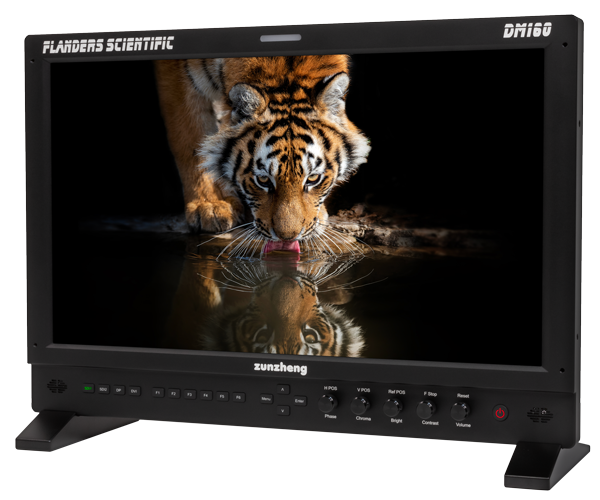
The DM160 features FSI’s advanced color-management system, storage for up to 16 instantly selectable 3D Look/DIT LUTs, and compatibility with Pomfort's Livegrade for direct realtime image manipulation without an external LUT box. GaiaColor Autocal allows the monitor to be recalibrated directly with a supported probe—no computer required.
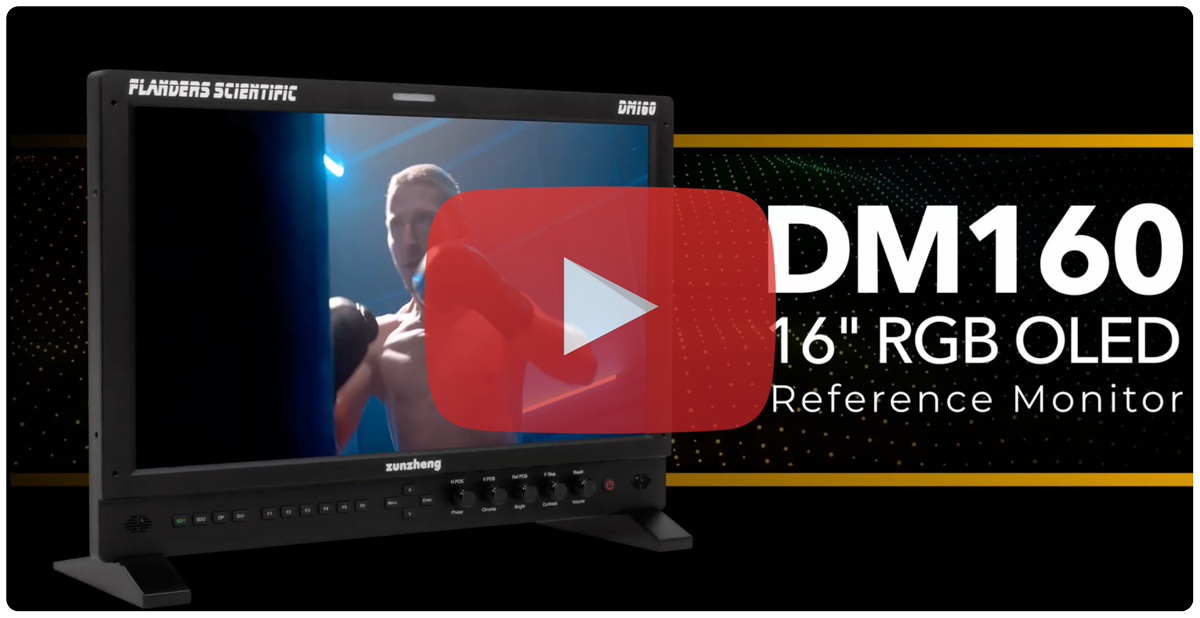
Its extensive toolset includes real-time waveform and vectorscope, ScopeStream, frame capture, focus assist, adjustable false color, advanced audio metering, live side-by-side monitoring, HDR Preview Mode, and Zero Delay Fast Mode.
GPI Remote Control, Tally Lights, and MoreComing to XMP & XMP C
XMP and XMP C series monitors already support IP-based remote control, RS-485 remote control, and wireless remote control via our recently introduced R-RS Wireless Remote. However, some customers have requested GPI contact-closure remote control as an additional option, most commonly to enable external control of their monitor’s tally lights.
We’re happy to announce that firmware v3.2.11 adds a new GPI Remote Control menu to XMP and XMP C series monitors. This new functionality allows a wide variety of monitor features—including tally lights—to be toggled on and off via the GPI port.
One important note regarding this new capability: monitors previously shipped may require a secondary MCU update in addition to the standard firmware update. This one-time MCU update requires a special cable and utility, but only needs to be performed by customers who wish to add GPI remote control functionality.
Most newly shipping units already include the required MCU update. You can verify this by checking the MCU Version listed in the System menu. MCU Version 21 (or later) supports GPI remote control. If your monitor is already running MCU Version 21, no additional steps are required.
If your monitor has an earlier MCU version and you would like to add GPI remote control capability, please contact our Support department for instructions on updating your unit. If you do not need GPI remote control, there is no need to update the MCU, even if your monitor is running an earlier version.
Additional Change in Firmware v3.2.11
Firmware v3.2.11 also updates the default behavior of the CPN prompt.
Previously, when the CPN prompt appeared during shutdown, it remained on screen indefinitely until Yes or No was selected. Beginning with v3.2.11, if no selection is made, the monitor will automatically default to running CPN and will power itself off once the process is complete.